Skip to content
Services

Four areas, one point of contact.

Four areas. Each bookable on its own, each covering the work that otherwise lands on your desk.

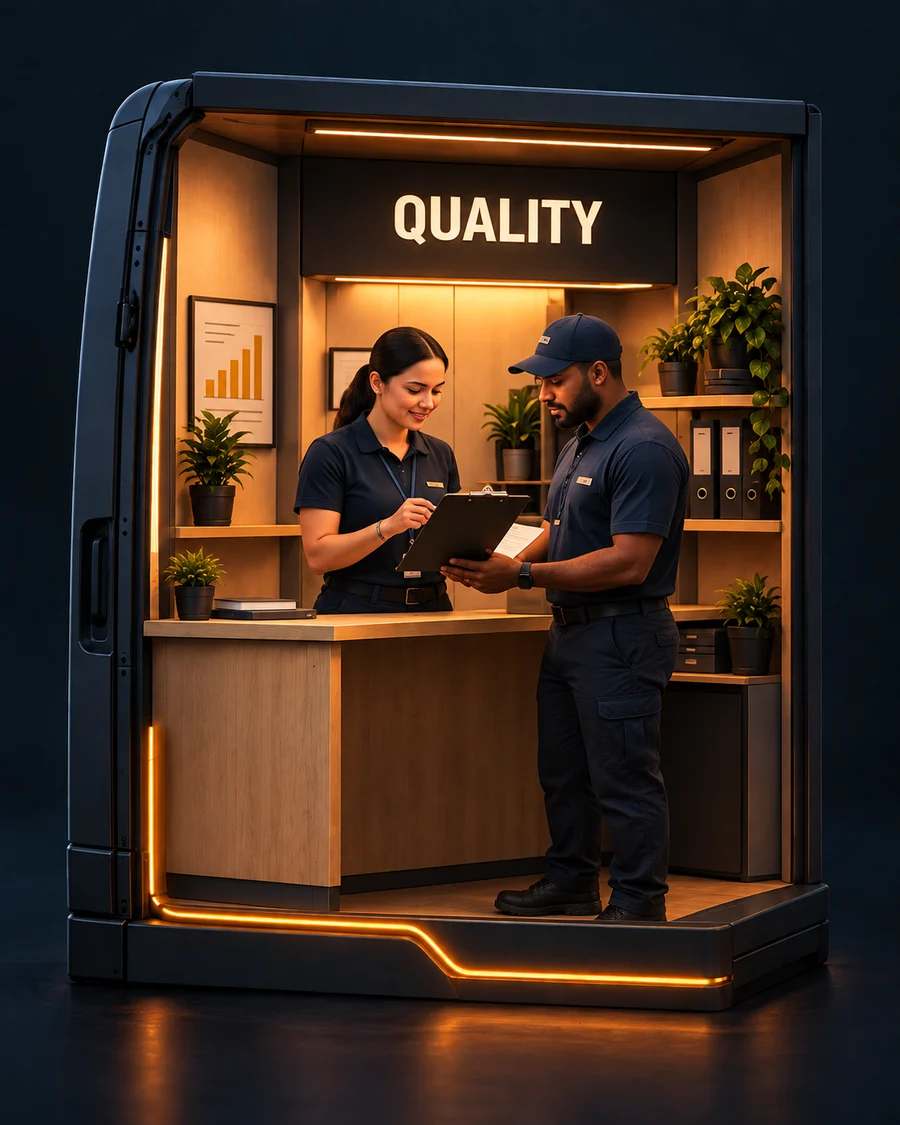
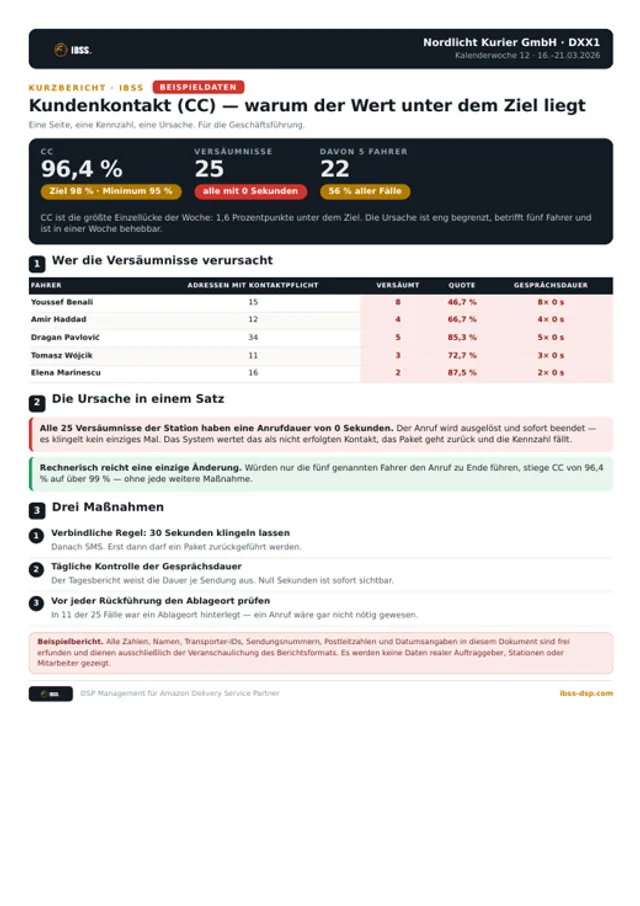
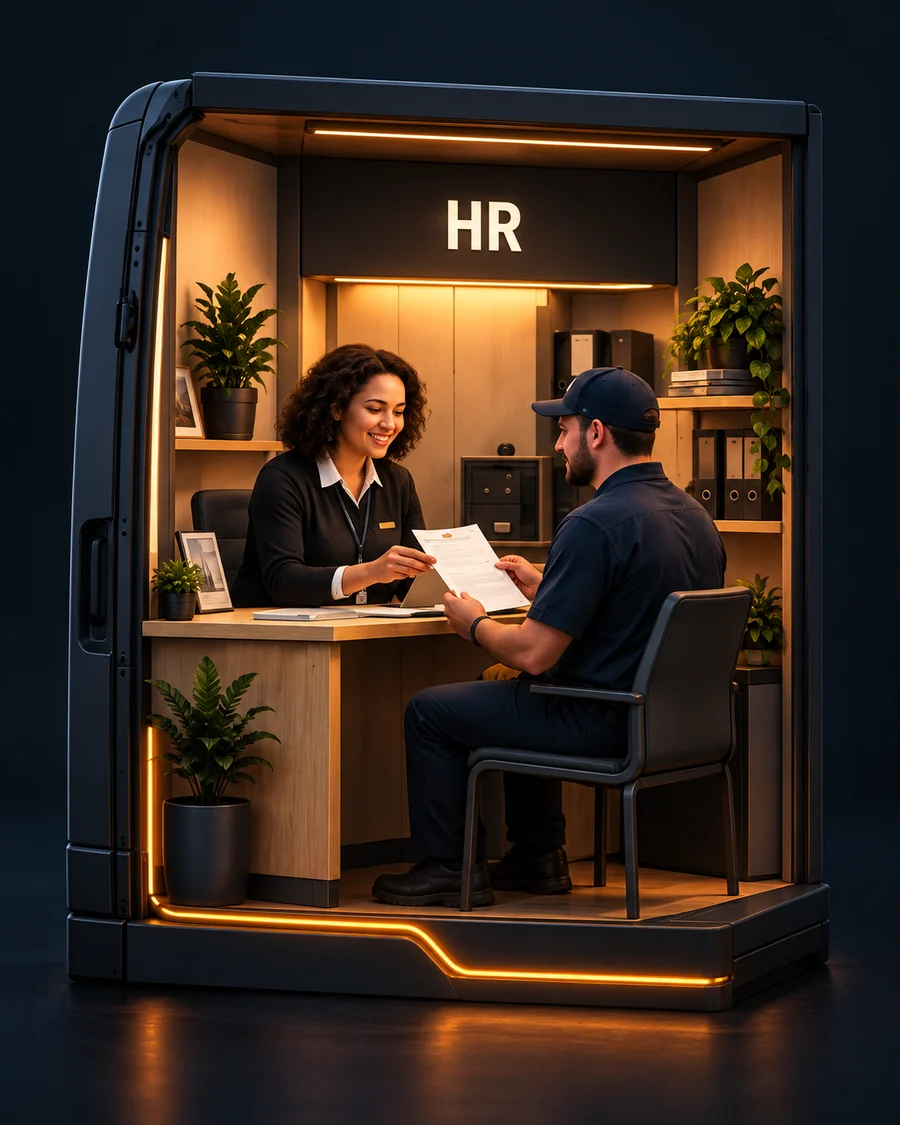
The HR module as a lit booth: a colleague handing documents to a driver across a desk.

HR

Recruiting, onboarding & people administration
The situation

An open seat costs routes. A new hire costs paperwork: contract, registration, health insurance, training.

An empty driver seat costs you routes every day. The wrong hire costs you months.
How it runs

From application to first route

  1. Application
  2. Documents
  3. Contract
  4. Registration
  5. Training
  6. First route

I take on the marked steps.

What I take on
  • Job ads and interviews
  • Contracts, registrations, document checks
  • Training and first working day
  • Personnel file, leave and sick notes
  • Records kept in your own systems and in Amazon’s
Examples

All data in these documents is fictitious.

Also part of this module
  • Onboarding checklist
  • Personnel file
  • Applicant overview
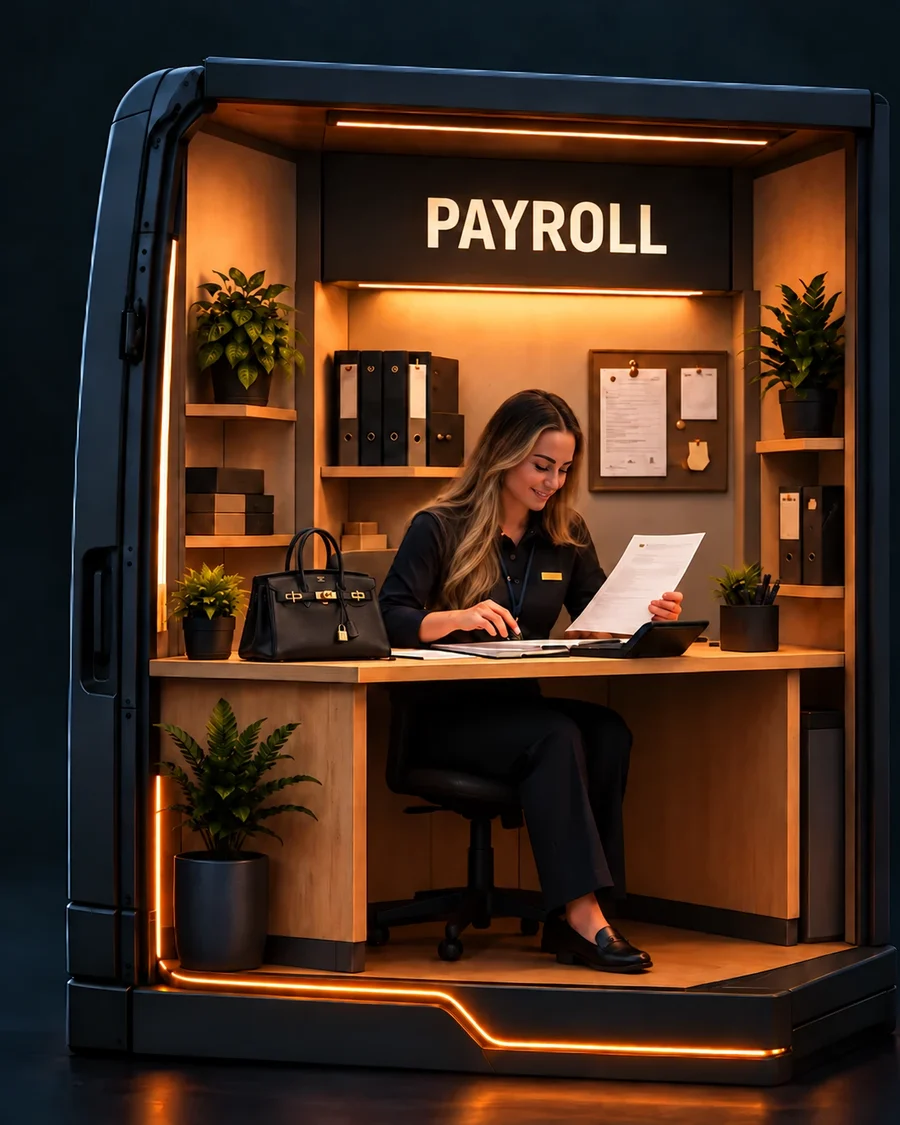
The payroll module as a lit booth: a colleague checking payroll paperwork at a desk.

Payroll

Preparing and checking the monthly payroll

The situation

Payroll is settled only once the month is over — in the first five days after. Until then every hour has to be right.

Nobody notices one wrong hour. Every driver notices twelve wrong months.
How it runs

Settled after the month closes

Through the month: routes, breaks, leave, bonuses, advances

Following month

  1. 01.–02.Hours and extras checked
  2. 03.Handover to the payroll office
  3. 05.Draft payroll checked

Done within the first five days of the following month.

What I take on
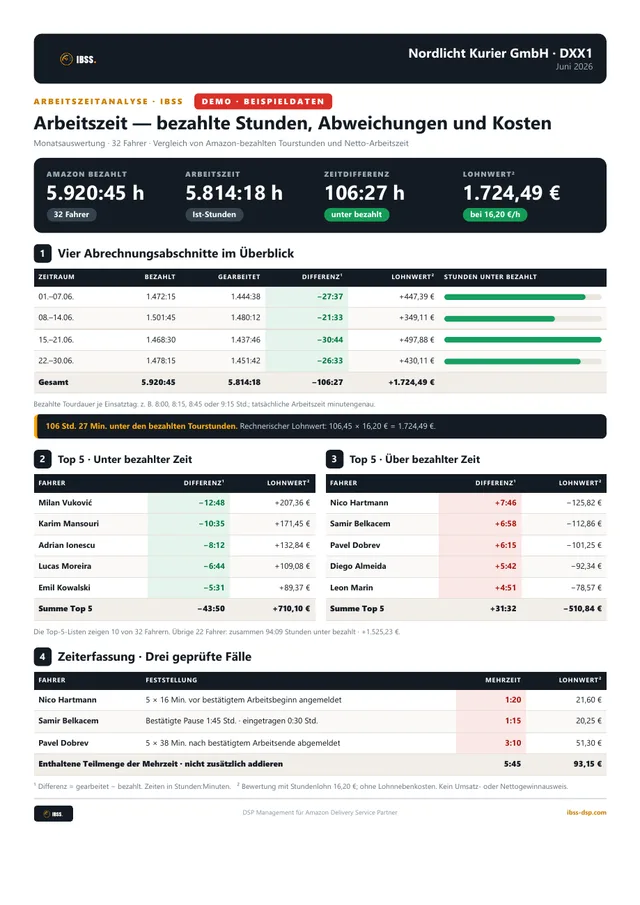
  • Check routes, hours and breaks
  • Leave, sickness, bonuses, advances, deposits
  • Handover to the payroll office
  • Draft payroll and corrections
Examples

All data in these documents is fictitious.

Also part of this module
  • Corrections list
  • Payroll queries
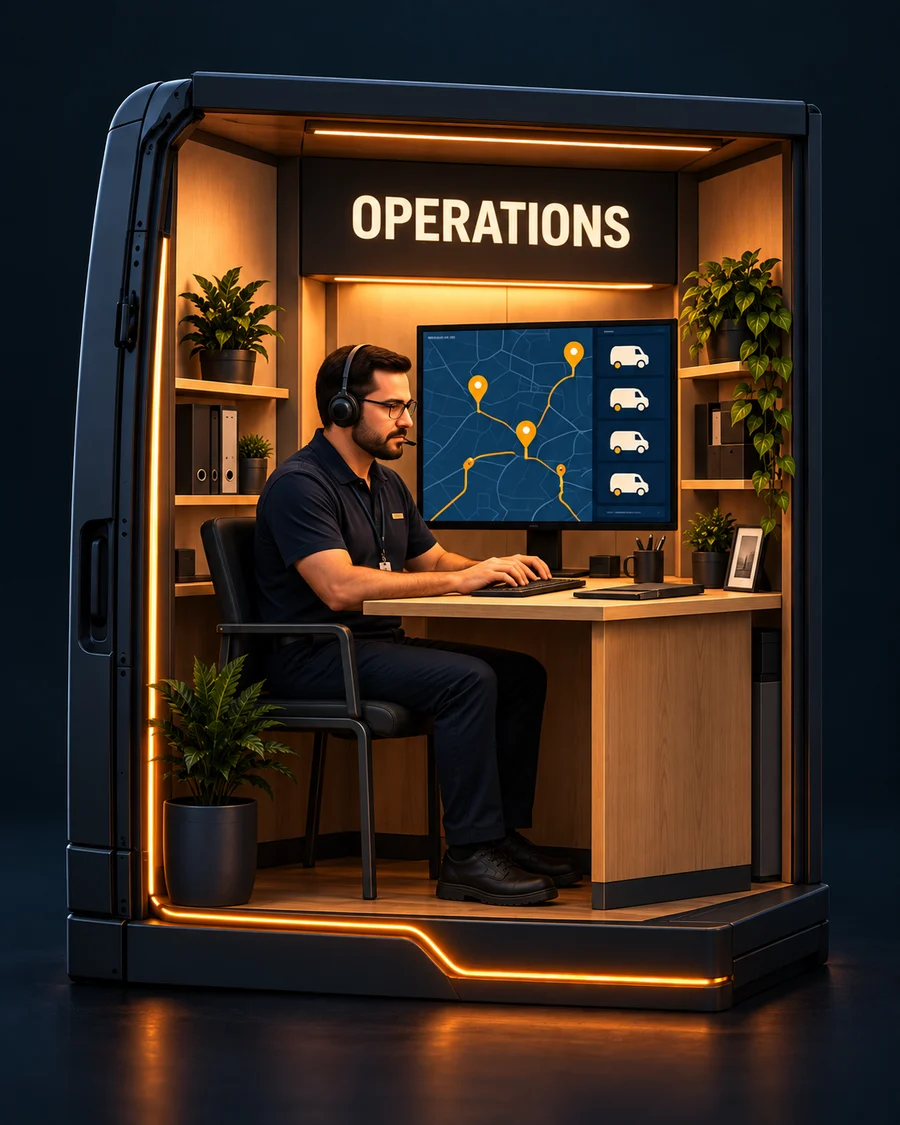
The operations module as a lit booth: a dispatcher with a headset in front of a map of routes and vans.

Operations

Keeping sight of the working day

The situation

The day's status sits scattered — radio, chat, yard. By evening nobody knows exactly what happened.

You do not lose the overview to one big problem. You lose it to forty small ones.
How it runs

One day, brought together in one place

  1. 10:20Wave
  2. 13:00First delay
  3. 15:30Rescue
  4. 18:00Yard & vehicles
  5. 21:00Returns
One overview

Everything scattered across the day arrives in one place.

What I take on
  • Waves and driver allocation
  • Rescue and late routes
  • Yard and vehicle availability
  • Coordination with dispatchers and Amazon
  • An overview of what is still open
Examples
  • Daily overview
  • Open cases list
The quality module as a lit booth: a colleague going through results with a driver at a counter.

Quality

Analysis, coaching & reporting

The situation

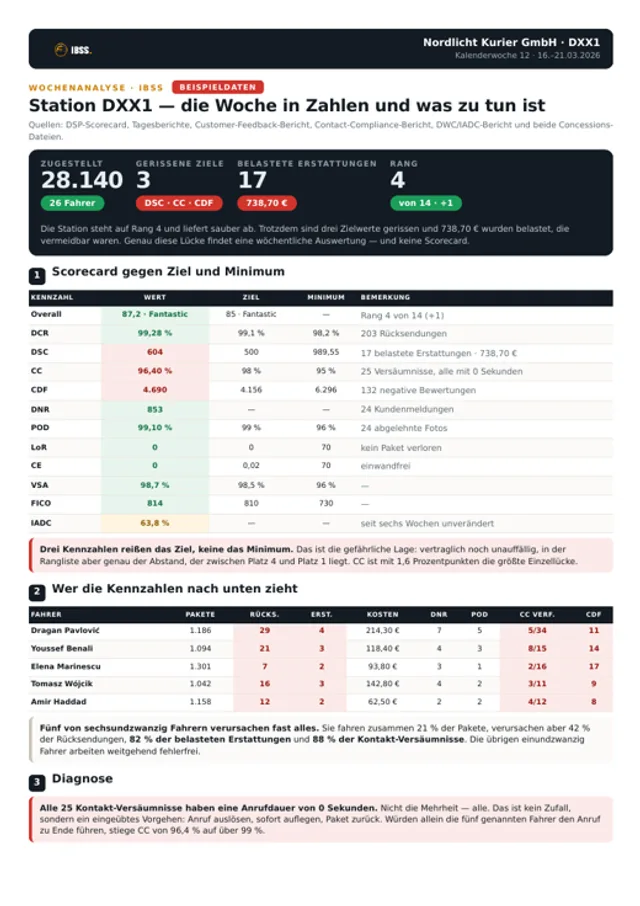
The scorecard says something is wrong. Not which driver, on which day, for what reason.

The scorecard tells you that you have a problem. It never tells you who it is.
How it runs

From the number to the cause

  1. Scorecard — one number a week
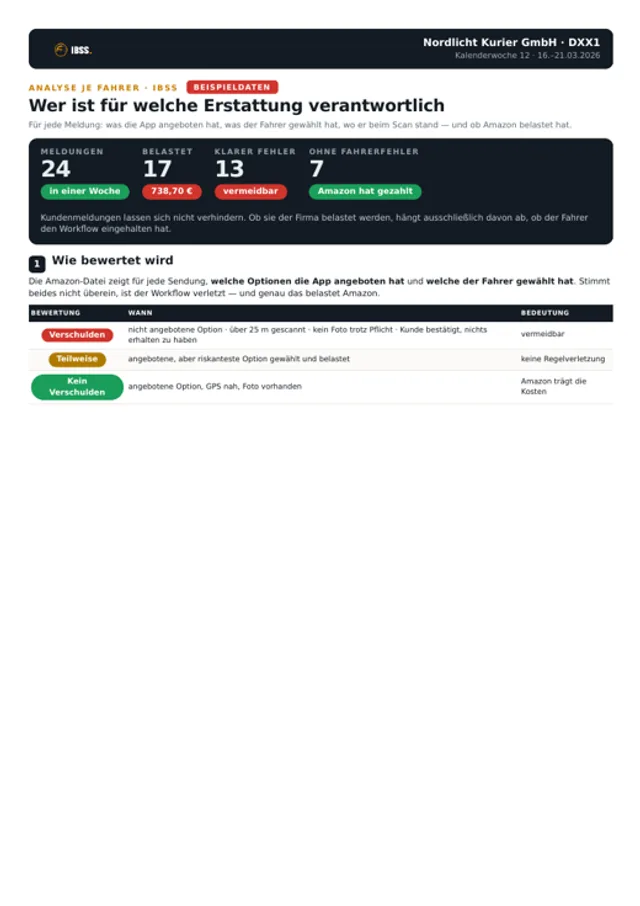
  2. Per driver — who is off
  3. Per route — when and where
  4. The cause — what has to change
Coaching that lands

The scorecard is where the work starts, not the result.

What I take on
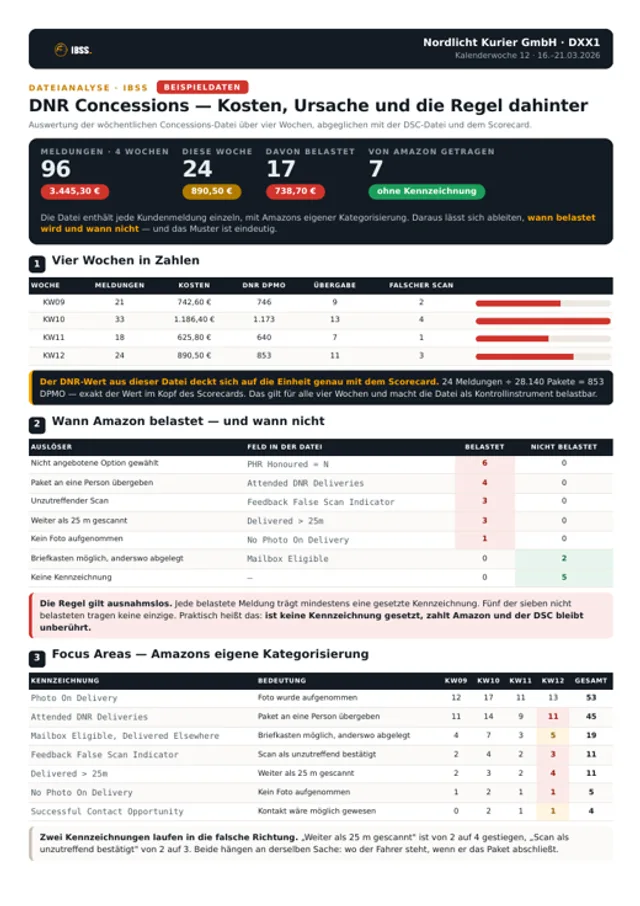
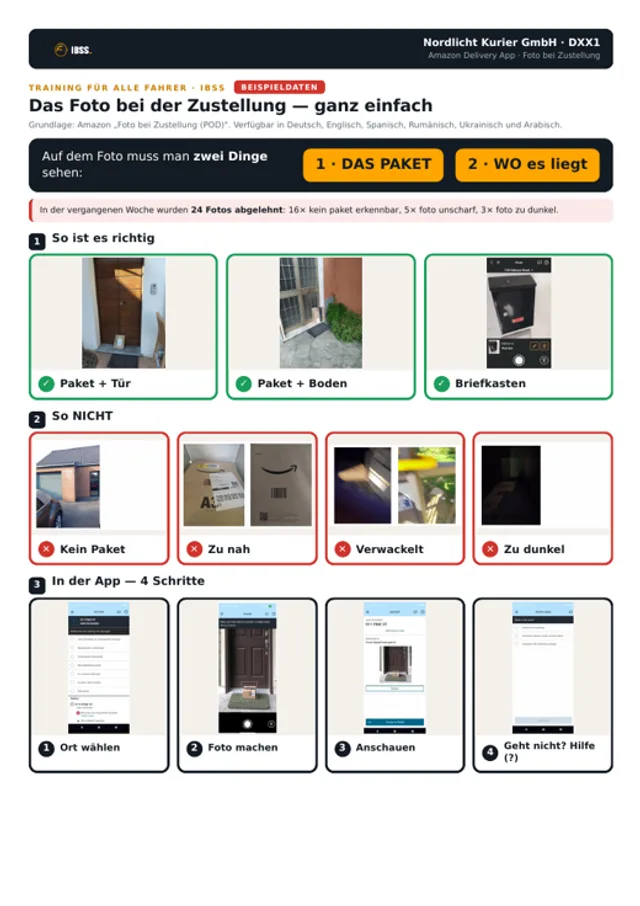
  • Scorecard, CC, POD, DNR and complaints
  • Patterns and recurring causes
  • Driver coaching and retraining
  • Reports on an agreed rhythm
  • How the figures develop from week to week
Examples
Example view Your team + IBSS
DNR0,8%
POD98,4%
CC99,1%
FICO87
DCR99,6%
Example overview — no client data
Your overview
Information from your operation becomes a clear next step.
See the scope
Driver data
Working hours
Route history
KPI values
IBSS Personal support
Open topics KPI overview Payroll status
Your overview
CEO
Time to lead
More time
Clear ownership
Better decisions

Does that sound like your day?

A short conversation is usually enough to see whether it fits.